Agent Skill  ·  v2.11.0

From plain English
to architecture in seconds.

Describe your system in chat. Archify generates a polished, explorable HTML diagram — with progressive MAP → READ → FULL detail, a semantic camera, path-aware stories, motion, and ultra-crisp export built in.

Live proof
Generated, checked, interactive Real gallery artifact · 7/7 validation checks
Open artifact
Workflow · Signal Flow · 12 nodes · 11 edges Agent Tool Call — policy, execution, recovery, and evidence
Pin one exact Story Moment, copy its stable link, and let someone else open the same authored node.

Five ways to see your system.

Architecture, workflows, sequences, data flows, or state machines — describe what you need and Archify picks the right visual language.

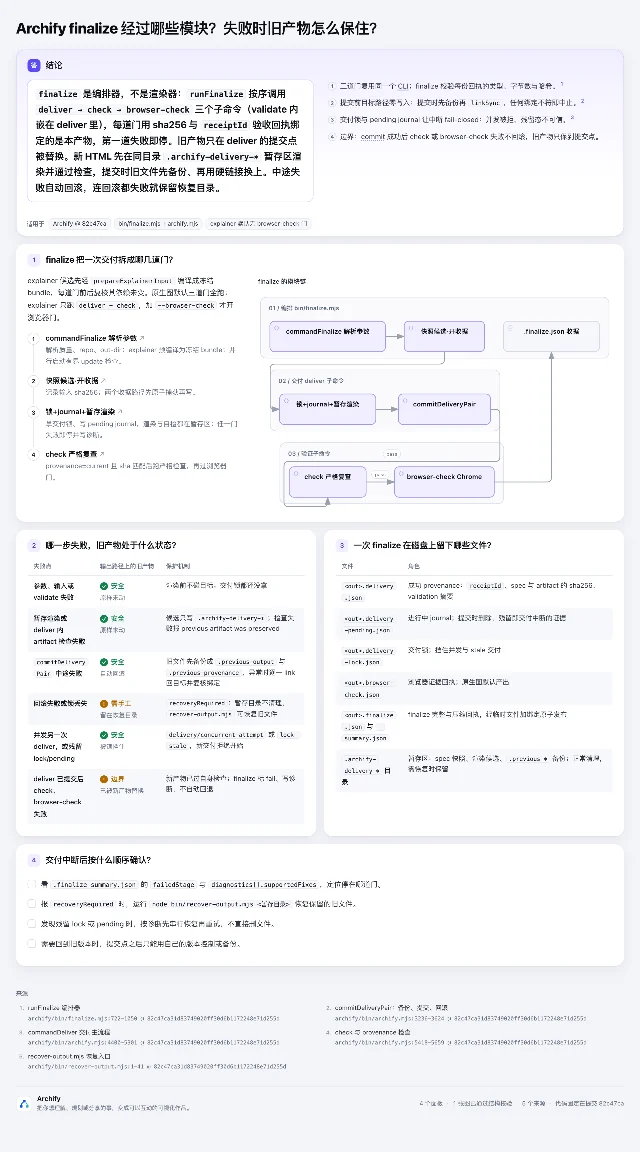
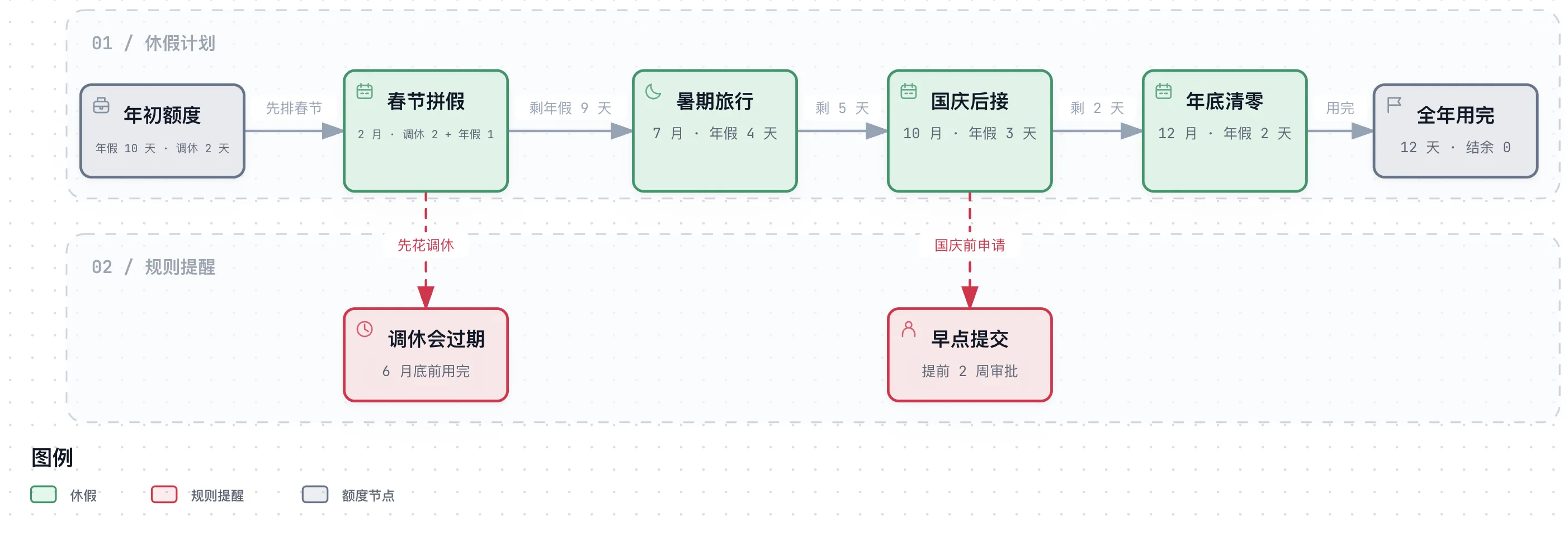
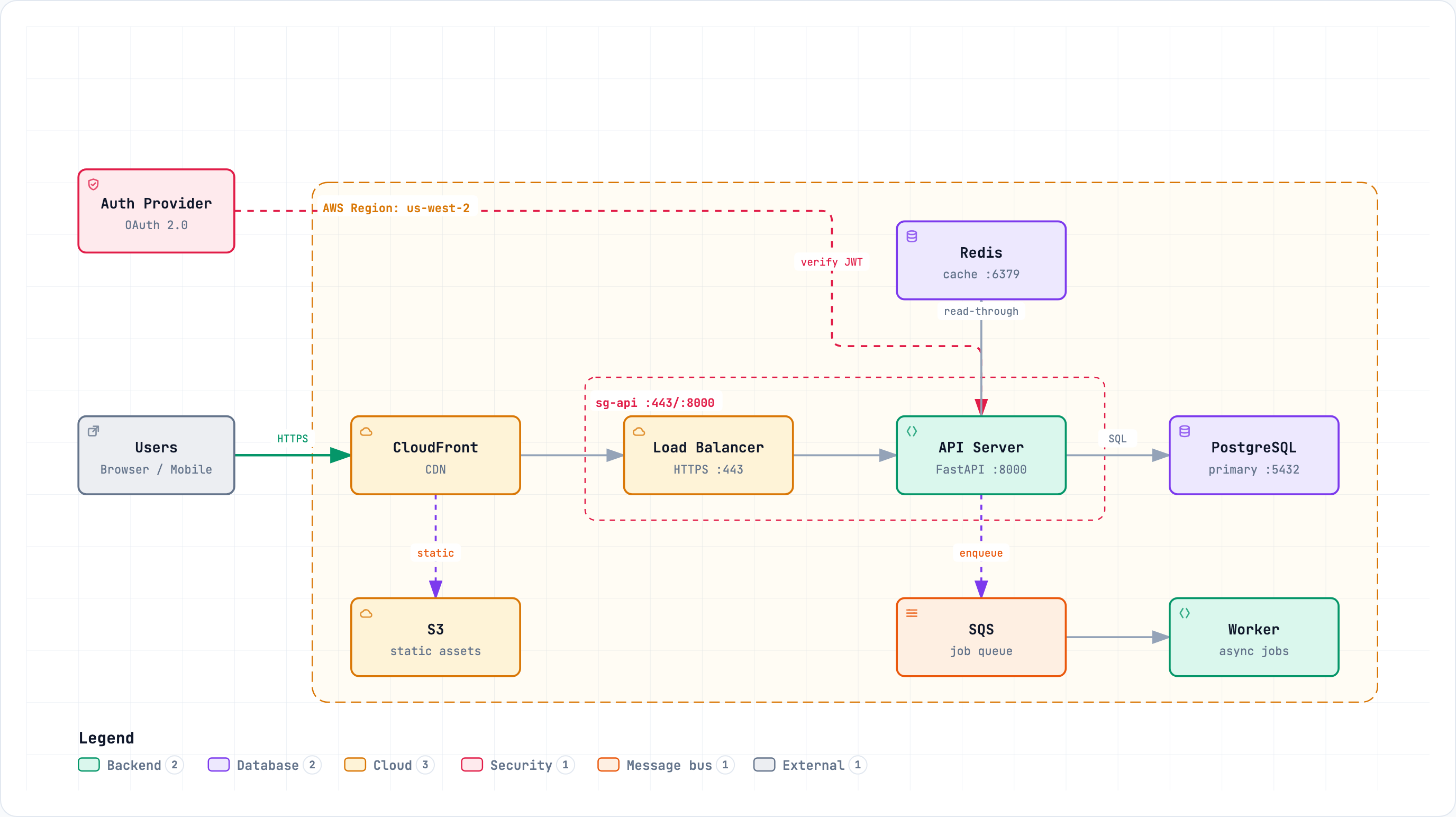
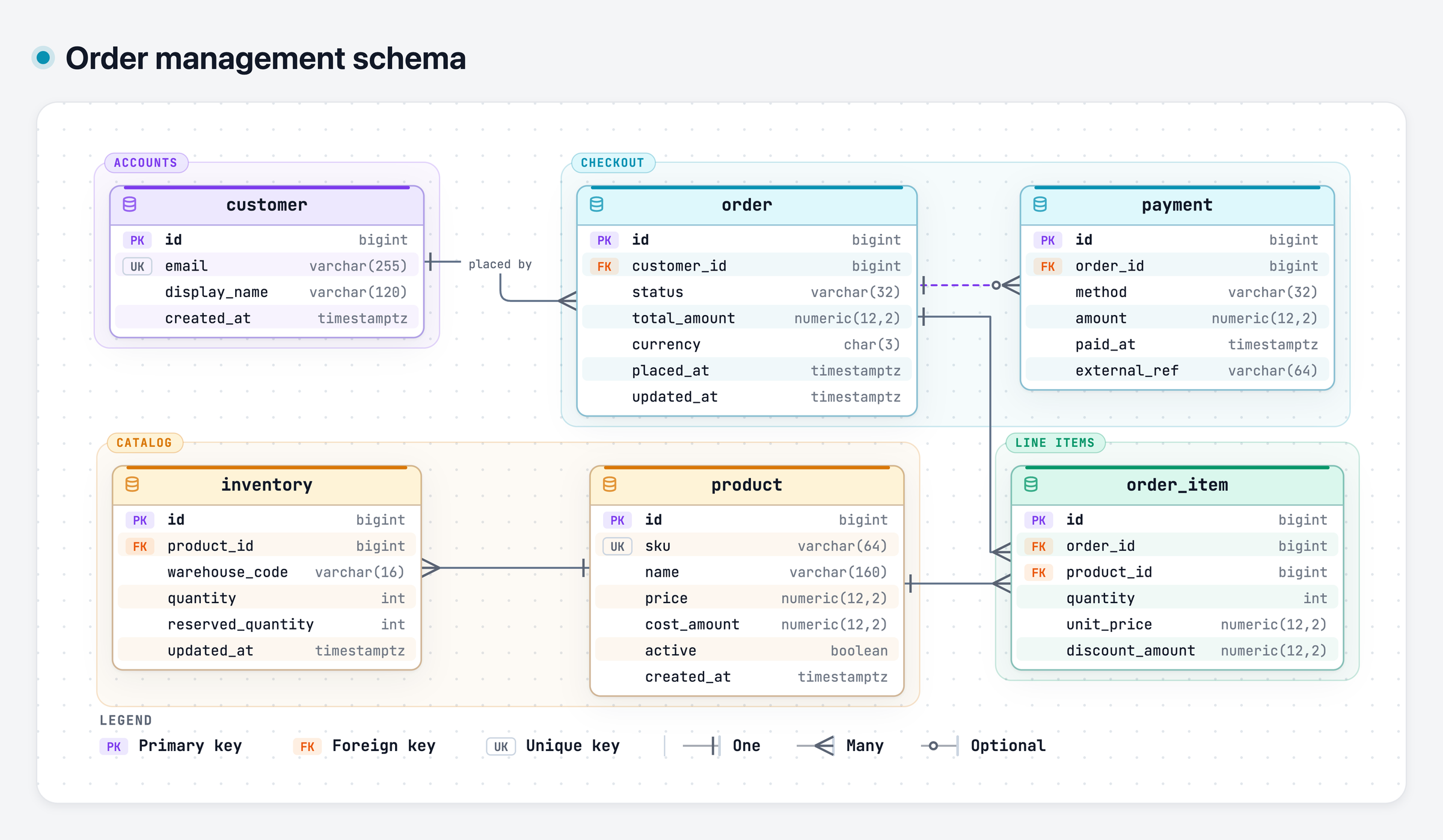
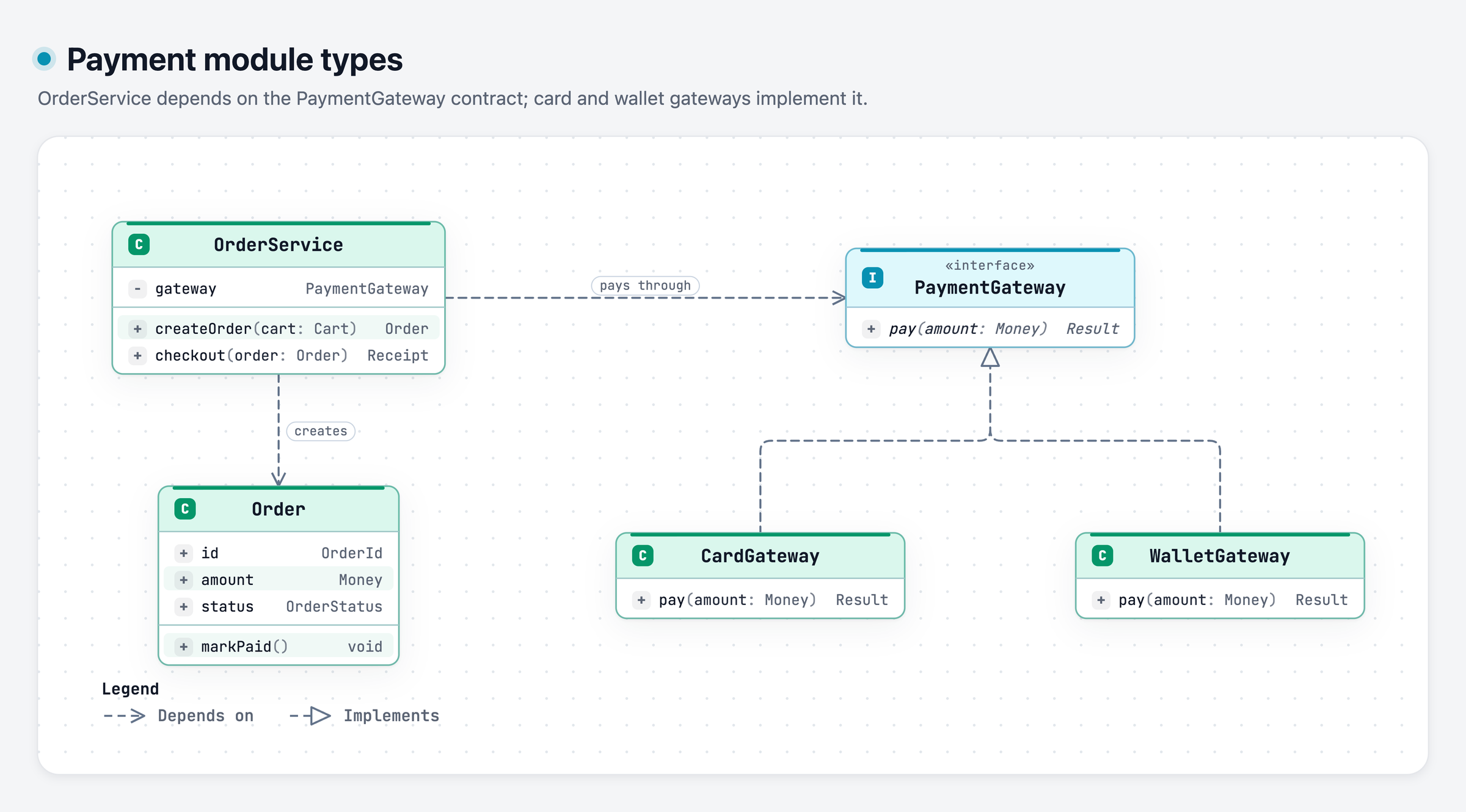
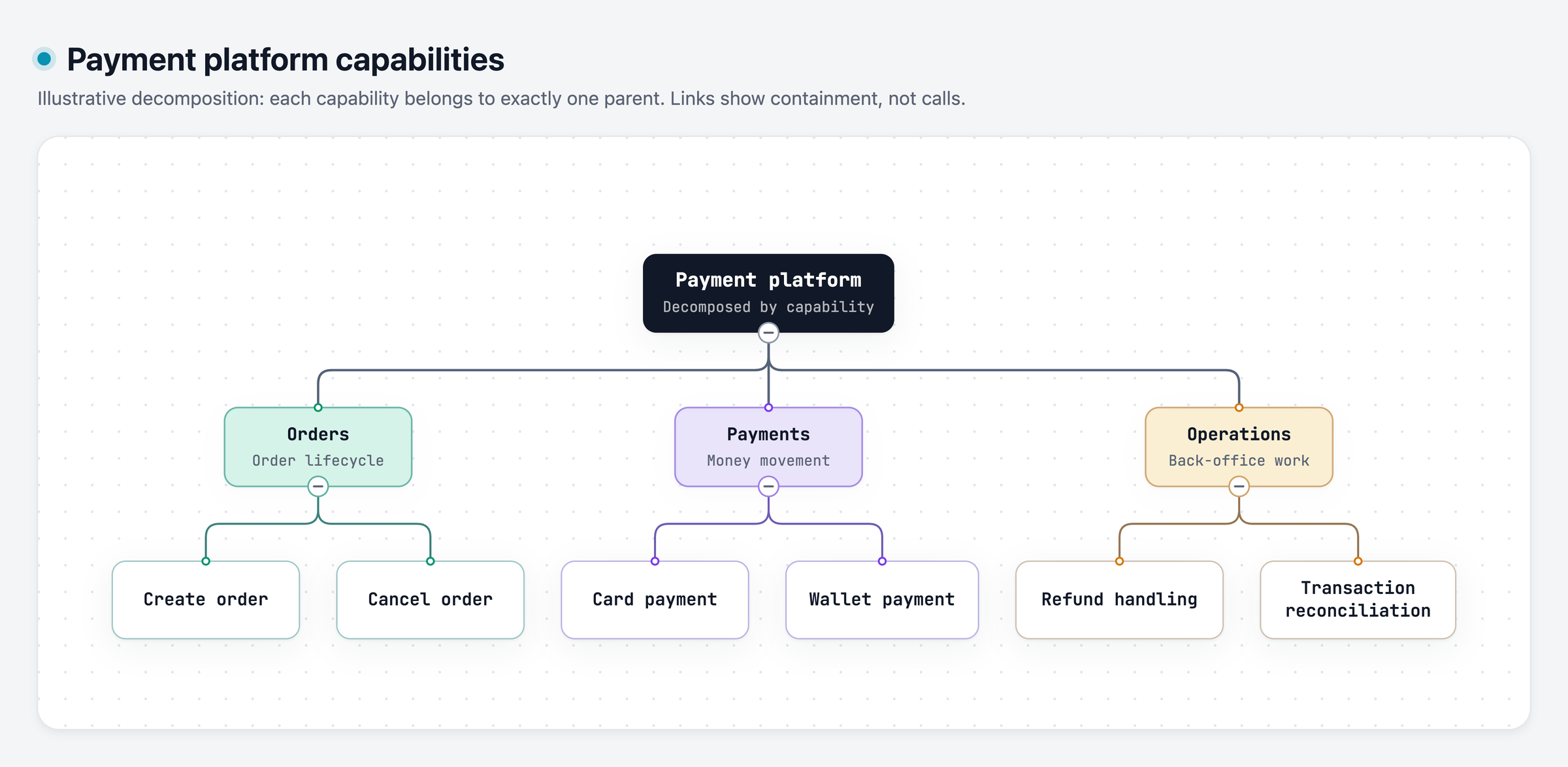
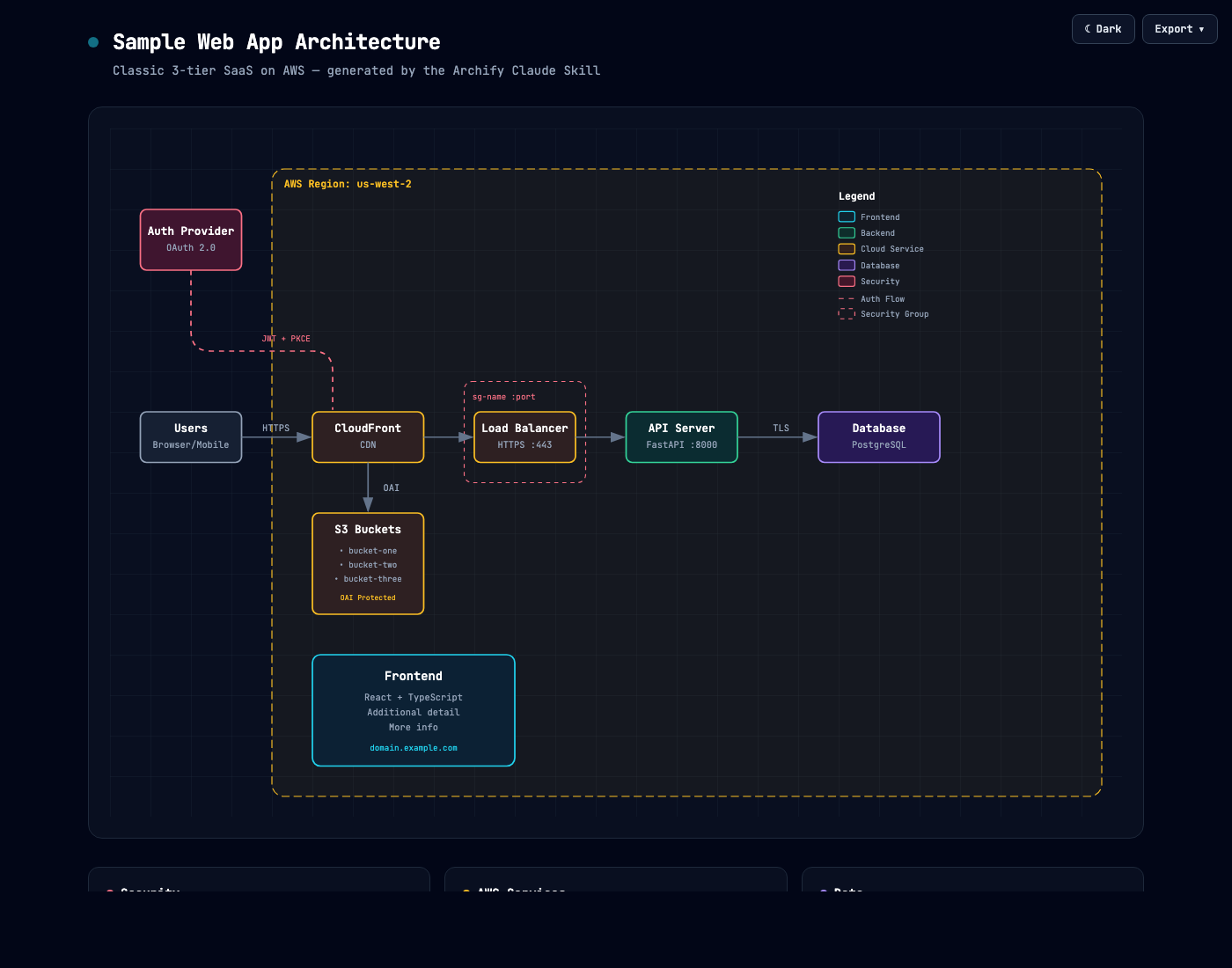
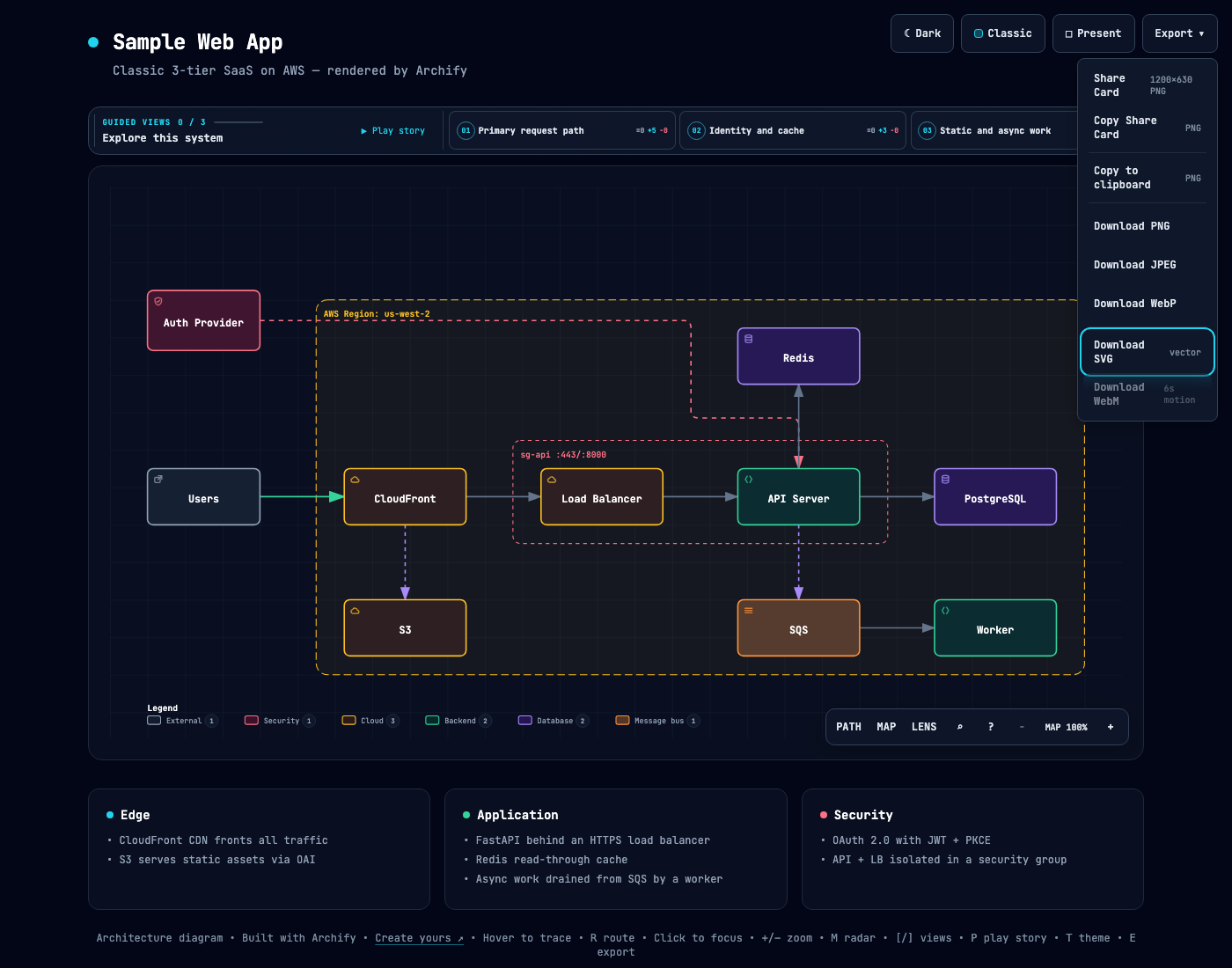
Architecture

System components, cloud resources, databases, caches, services, security groups, and the connections between them.

  • AWS / GCP / Azure infra
  • Microservices topology
  • Security boundaries
  • Network layout
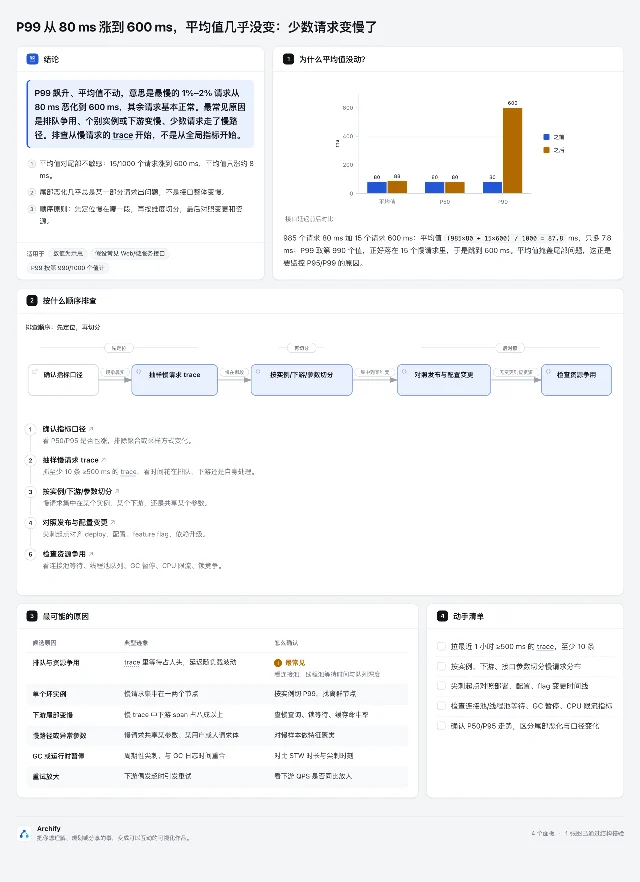
Architecture diagram

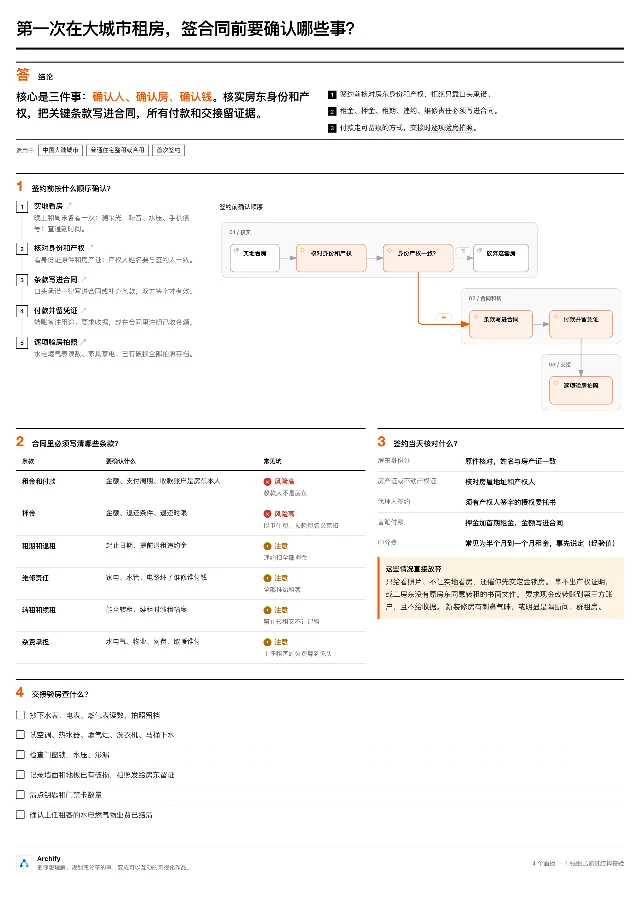
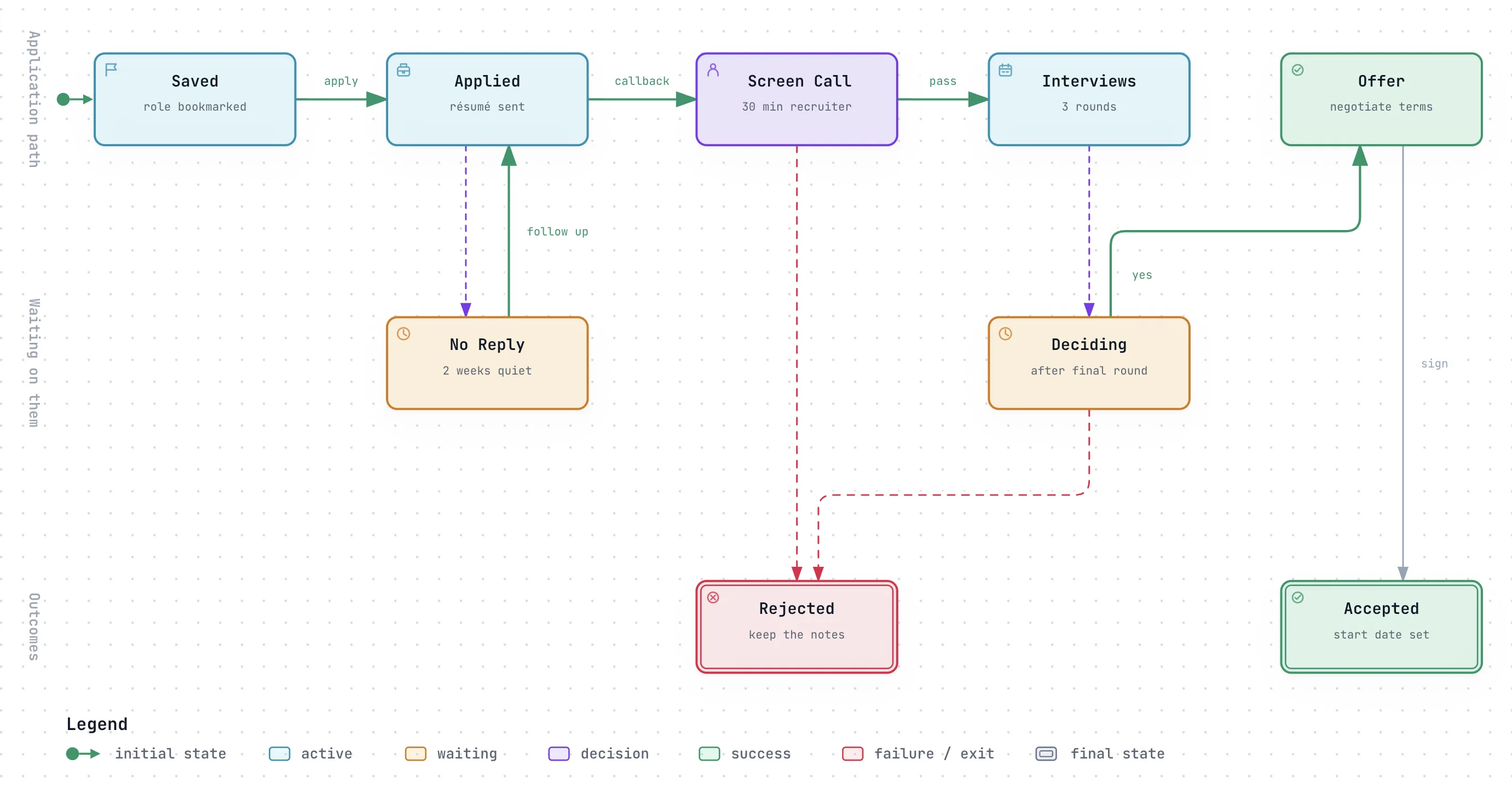
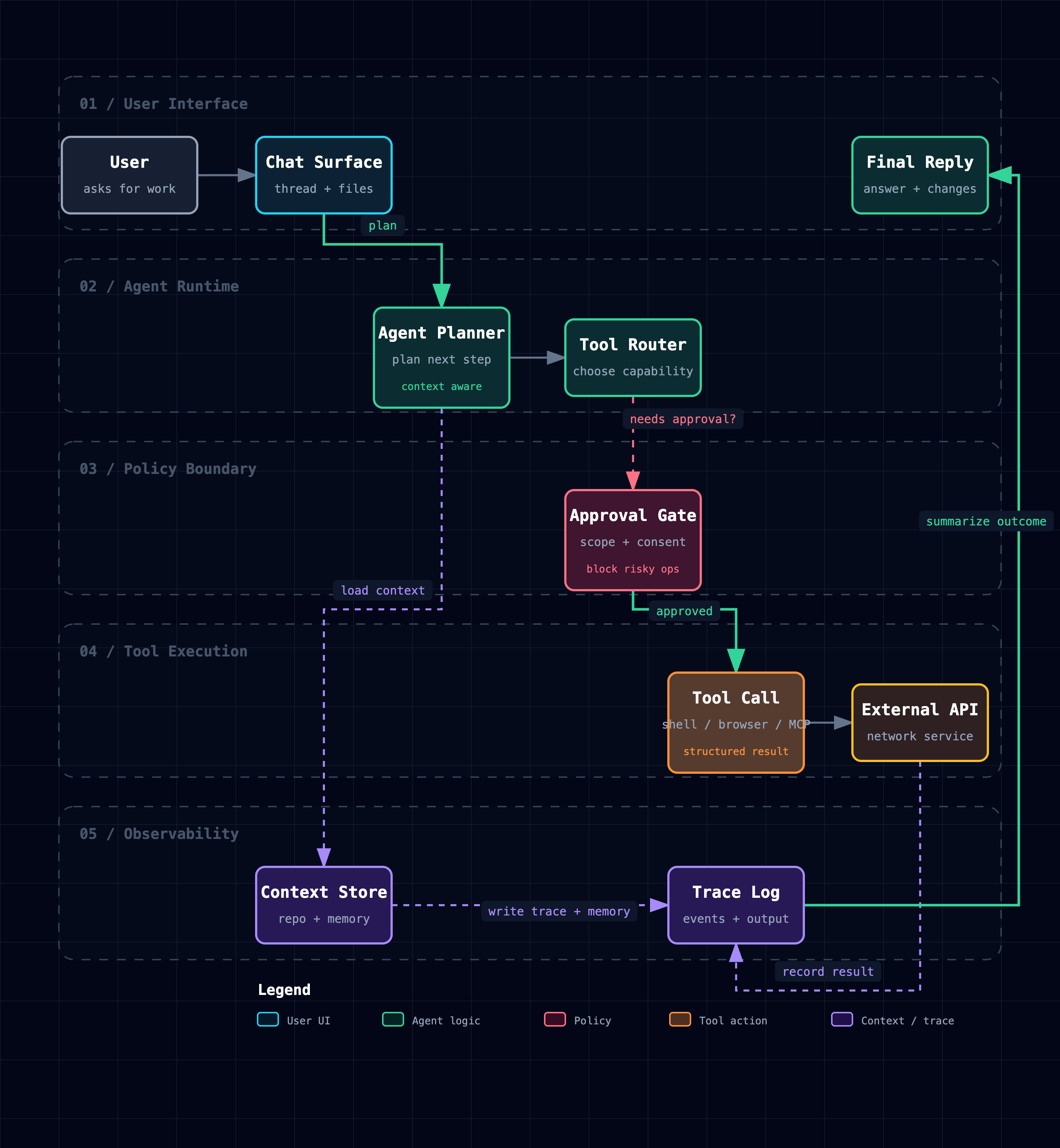
Workflow

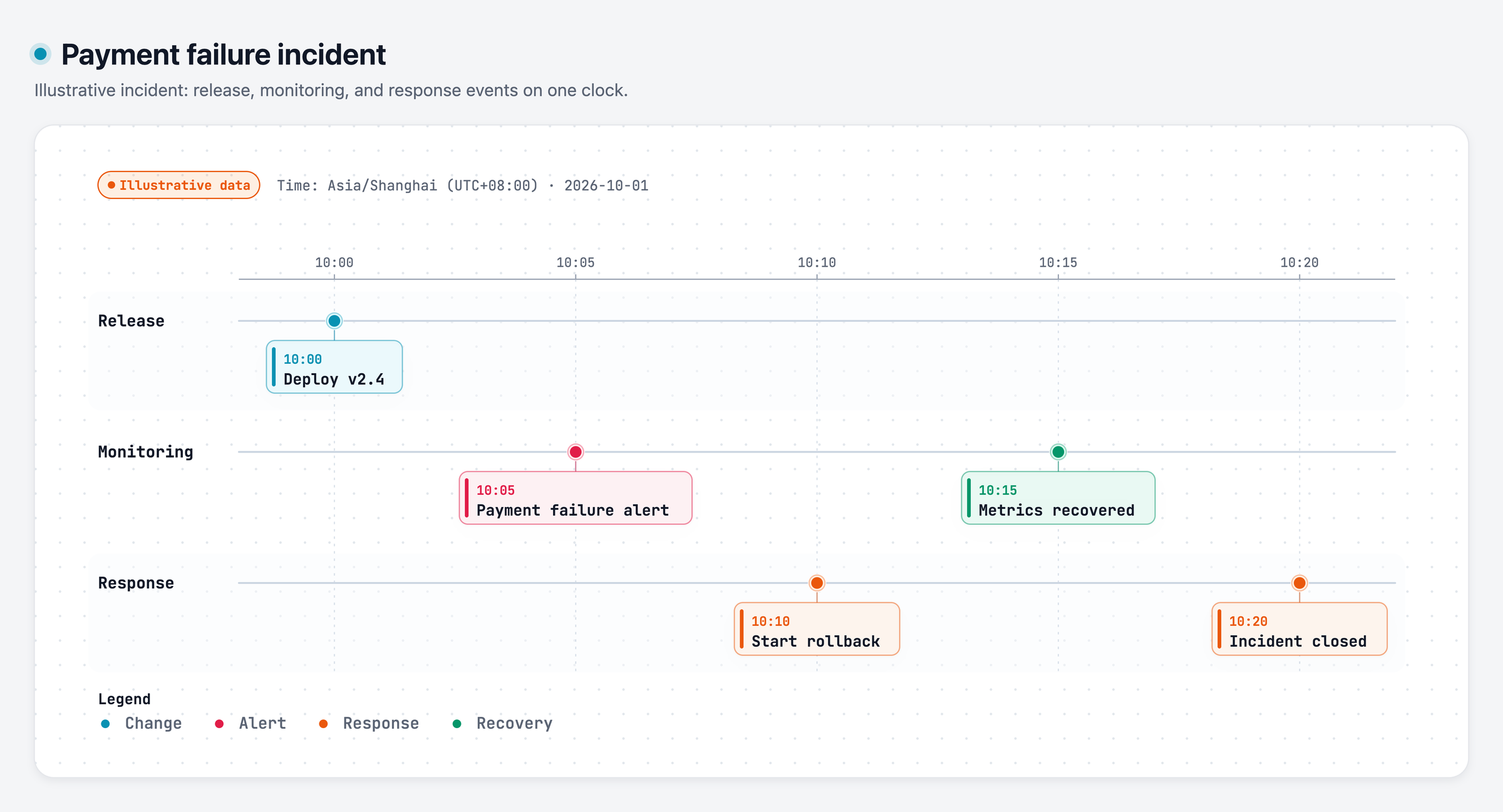
Swim-lane processes with semantic nodes and anchored edges — approval gates, async branches, and observability paths, lane by lane.

  • CI/CD pipelines
  • Incident runbooks
  • Agent tool-call flows
  • Approval & async paths
Workflow diagram

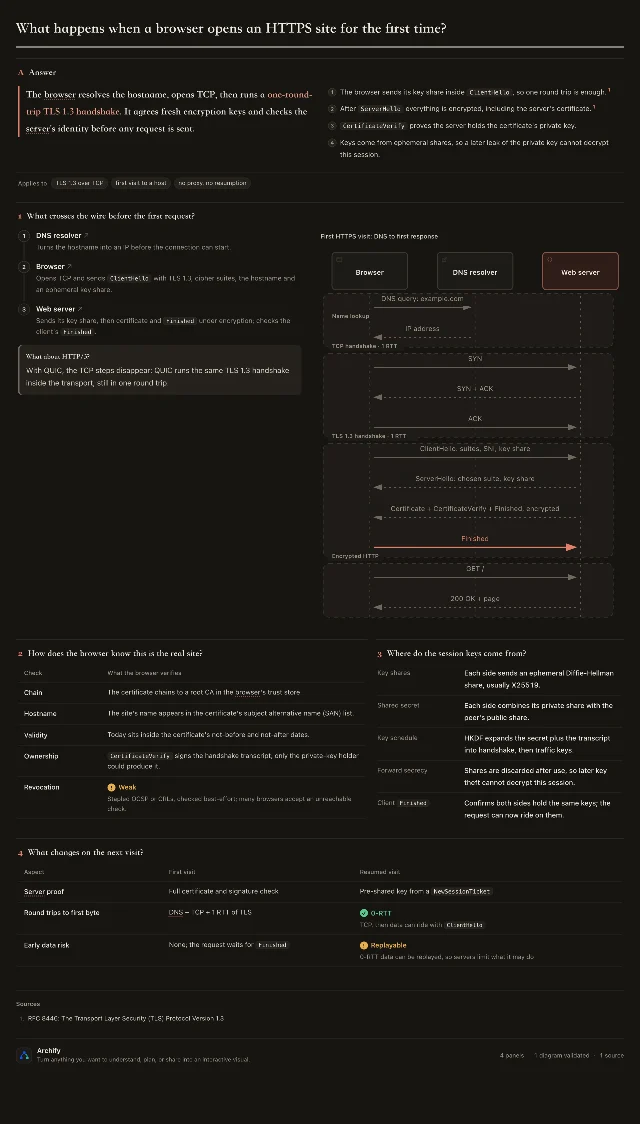
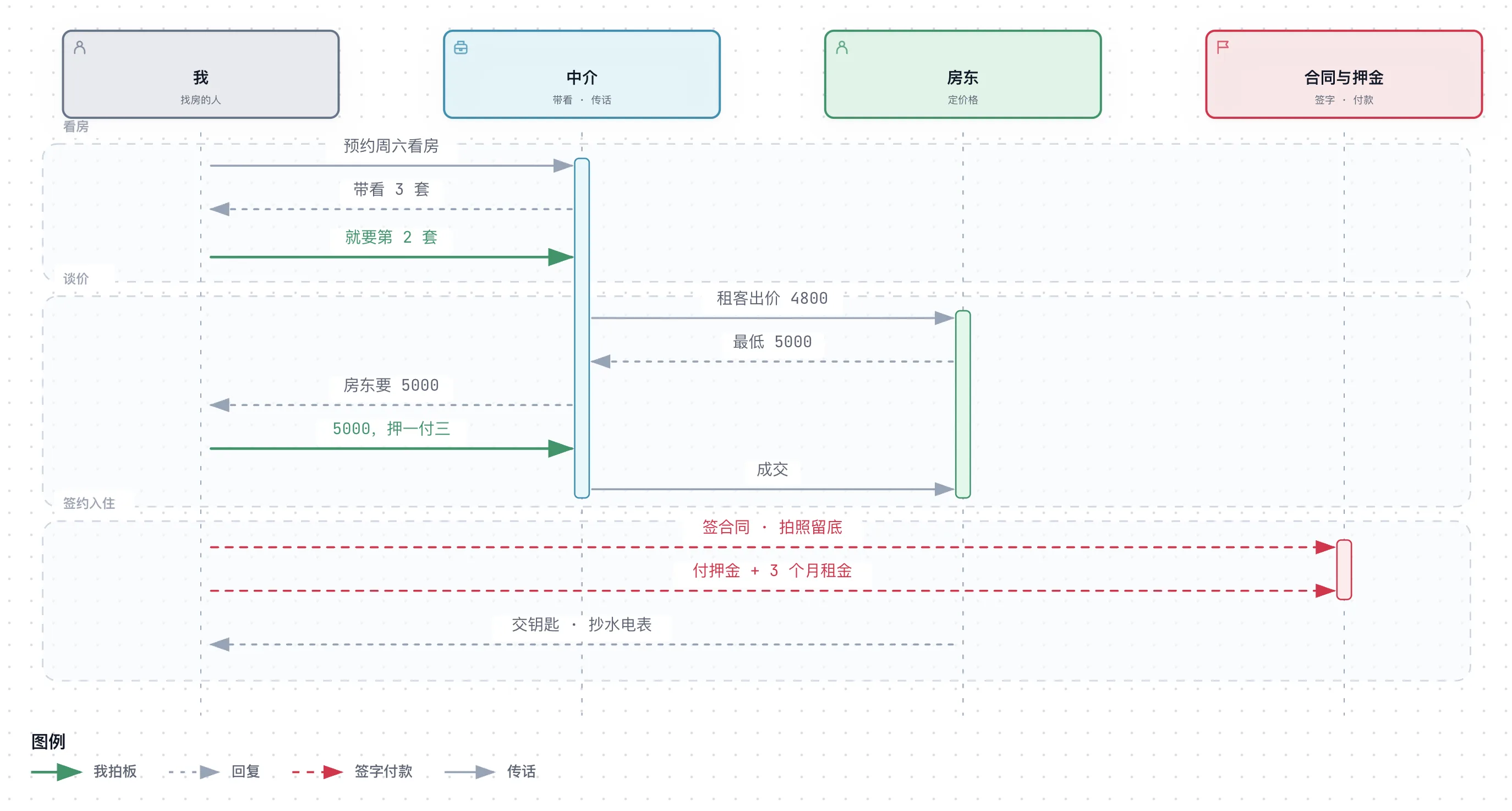
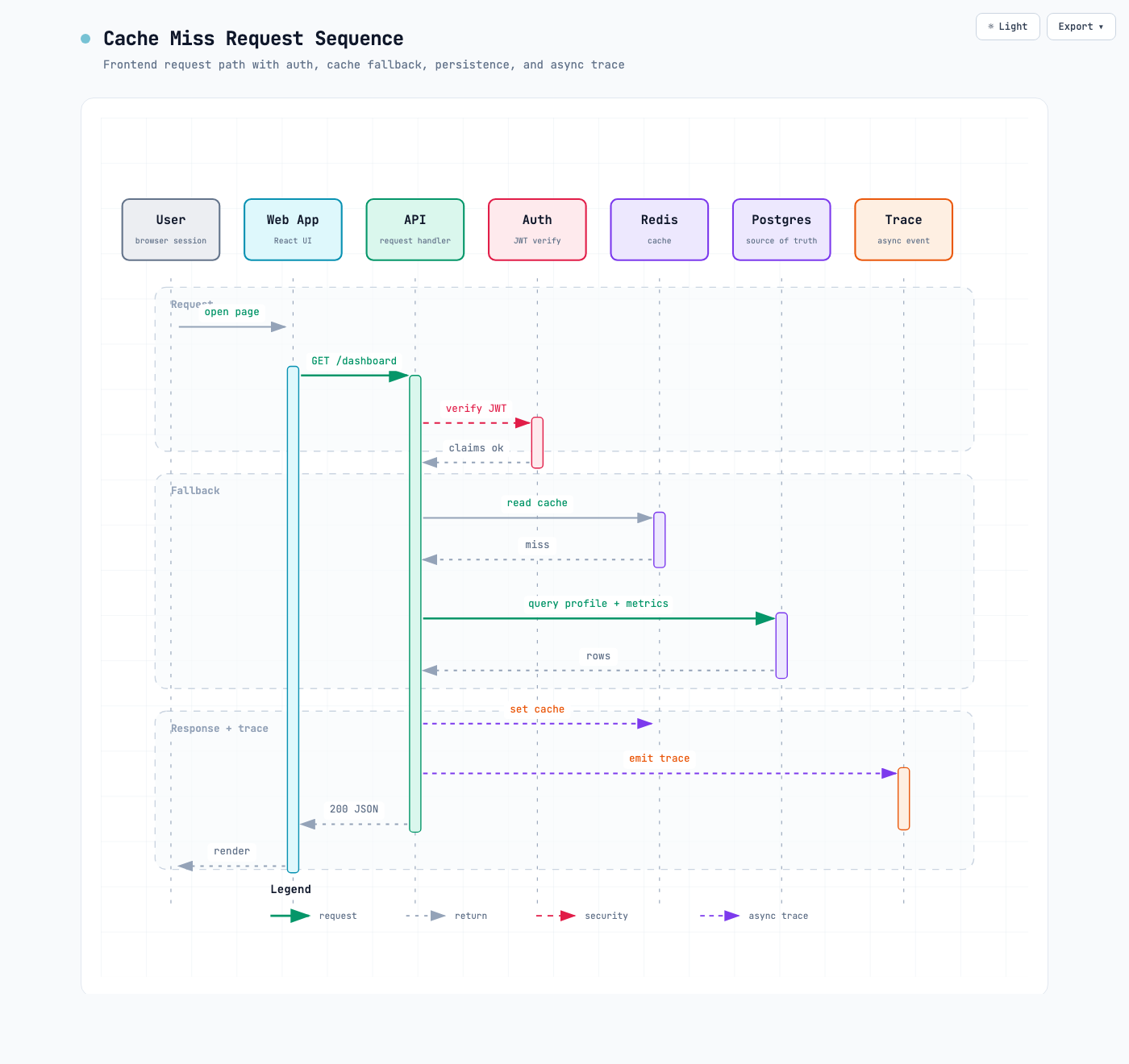
Sequence

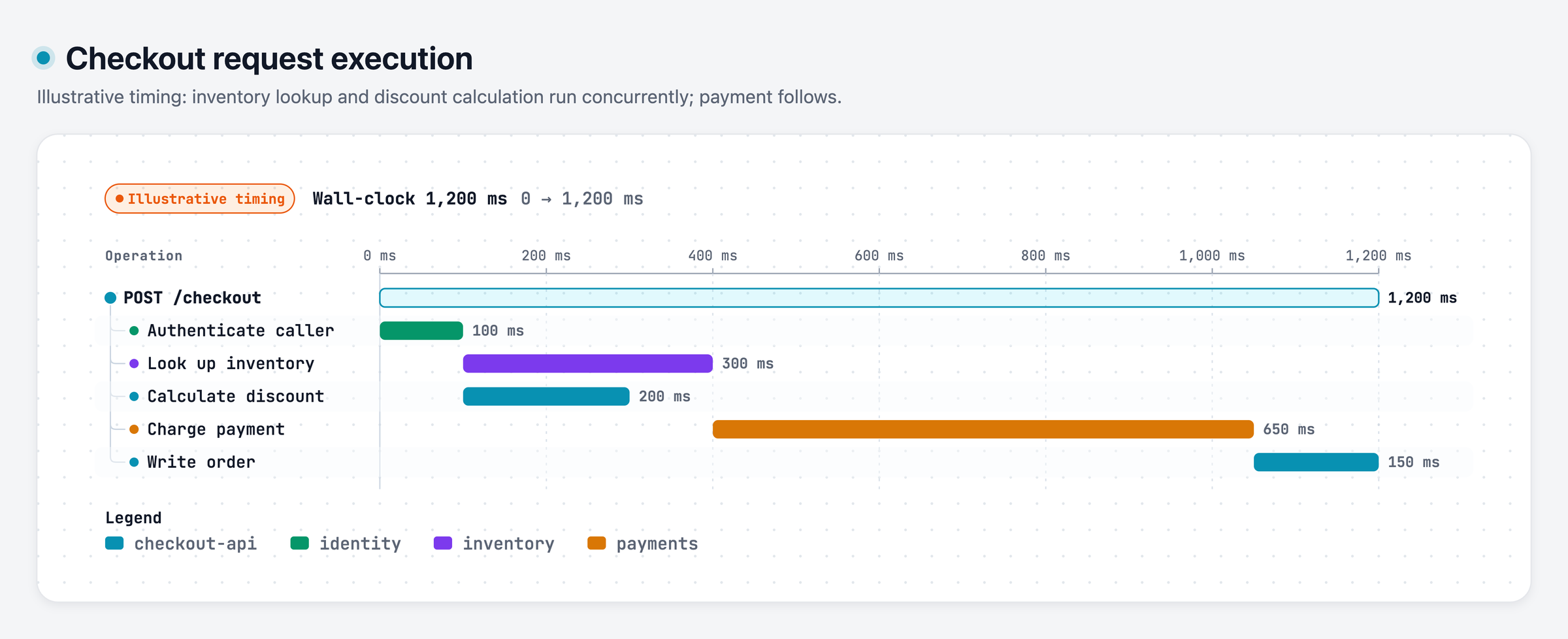
API call chains, request lifecycles, cache fallback paths, auth checks, async traces — who calls whom, in what order, and what returns.

  • API request / response
  • Cache miss fallback
  • Auth & JWT flow
  • Async trace emit
Sequence diagram

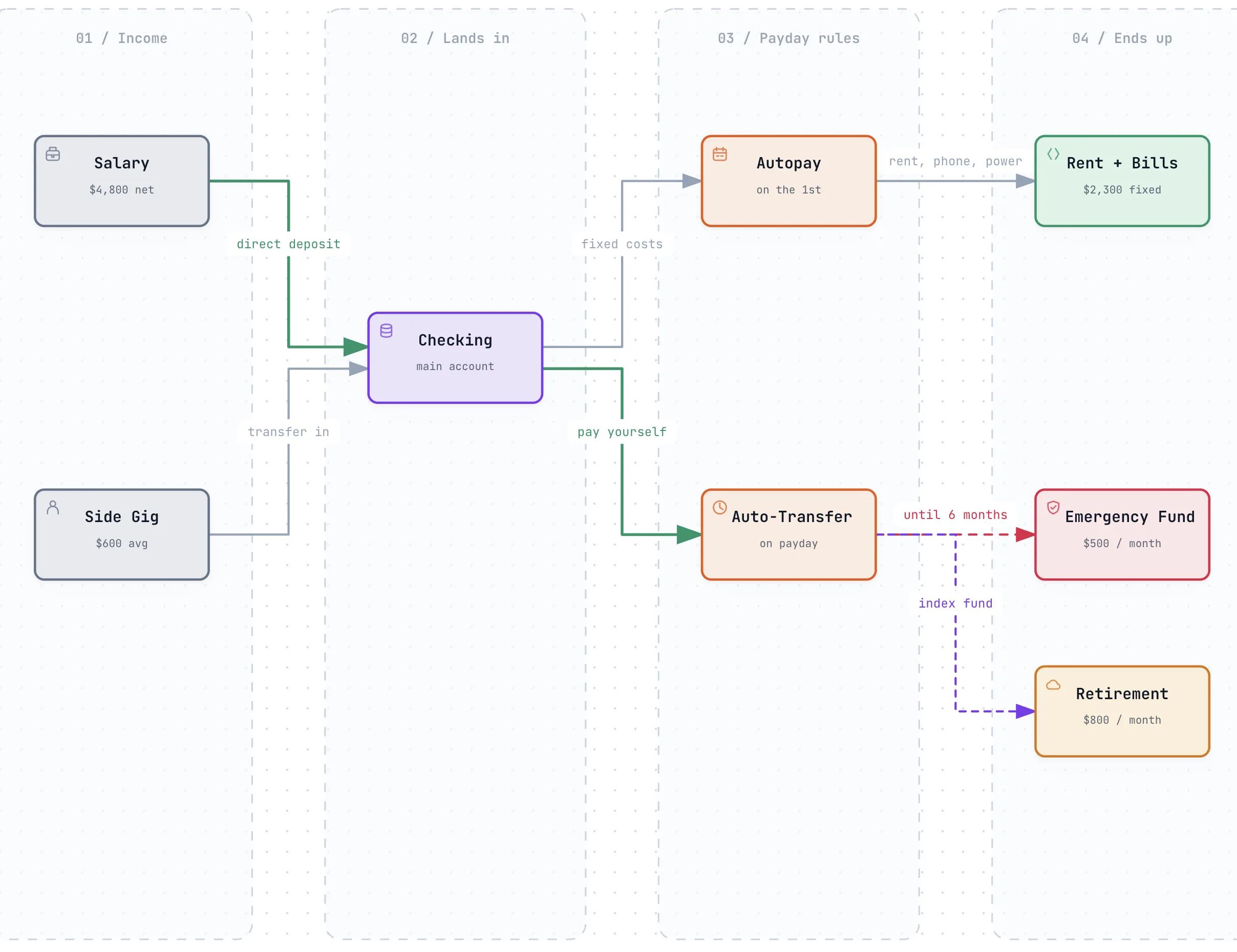
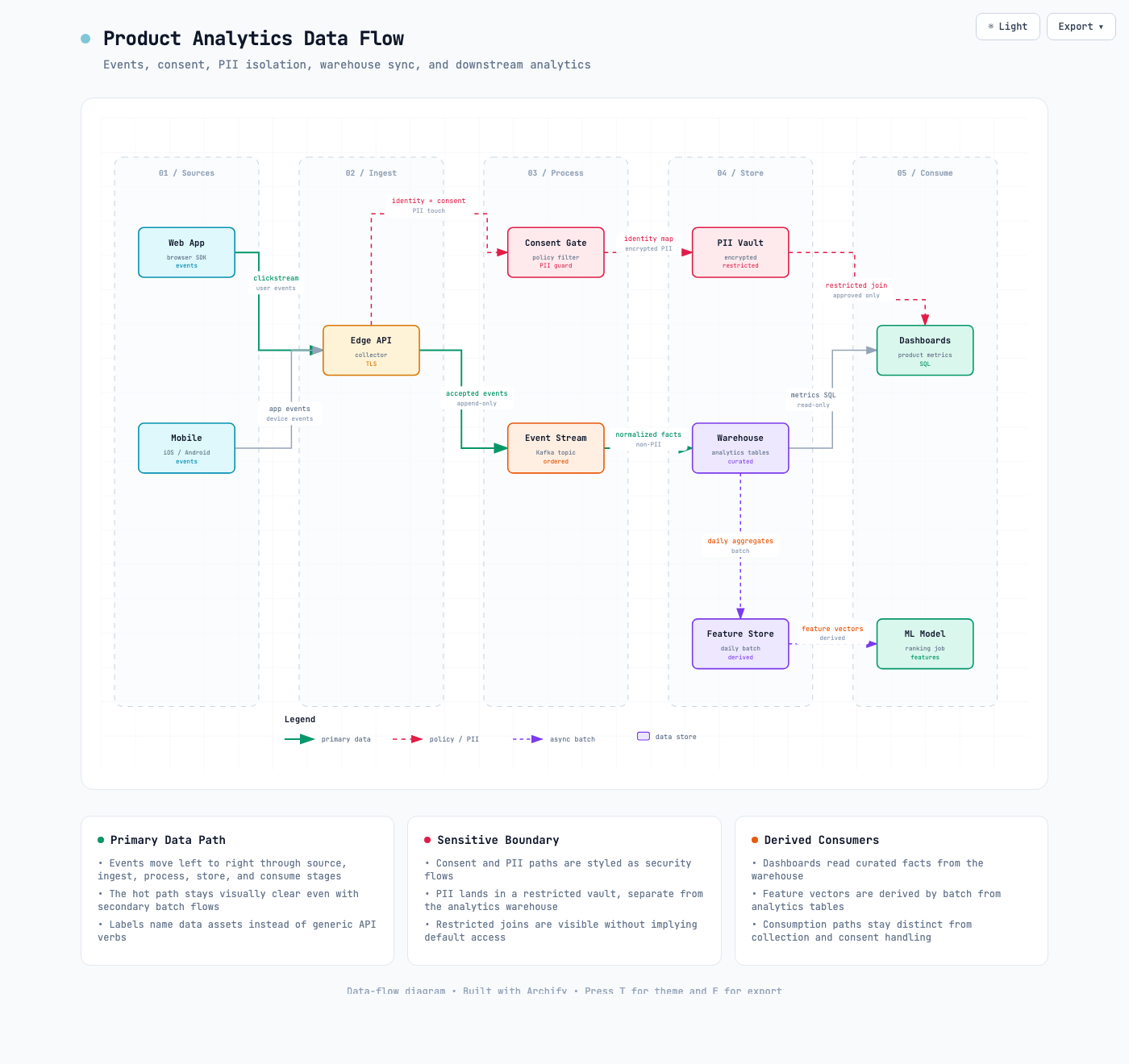
Data Flow

Data pipelines, ETL/ELT, analytics events, PII isolation, warehouse sync, lineage, and downstream consumers — with governance boundaries.

  • Analytics pipelines
  • PII & consent gates
  • Warehouse lineage
  • ML feature stores
Data flow diagram

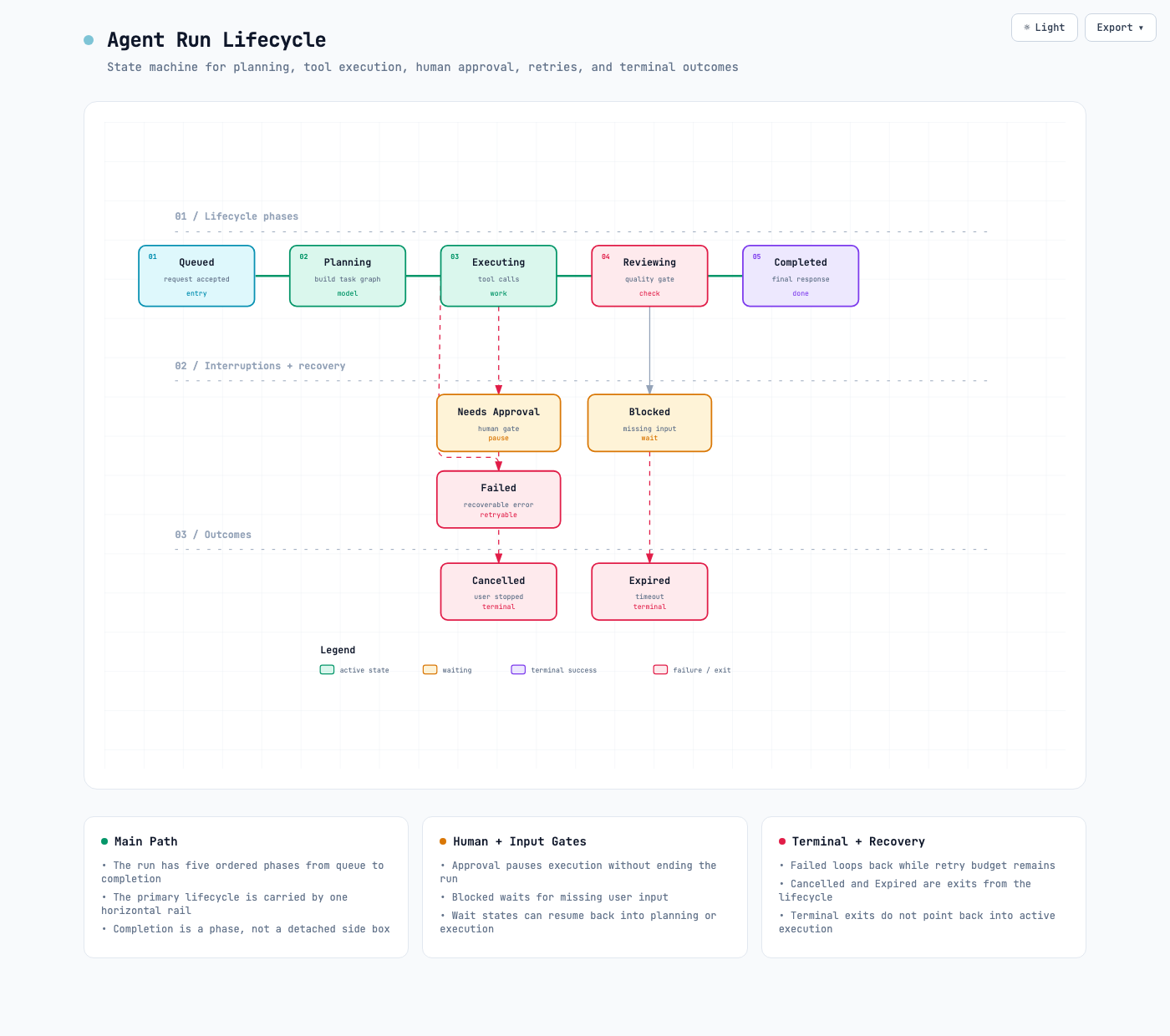
Lifecycle

State machines, object lifecycles, run/order/deployment status transitions — with wait states, retries, cancellation, and terminal outcomes.

  • Agent run lifecycle
  • Order status machine
  • Deployment pipeline
  • Approval & retry paths
Lifecycle diagram

Production-ready output,
zero configuration.

Three visual identities

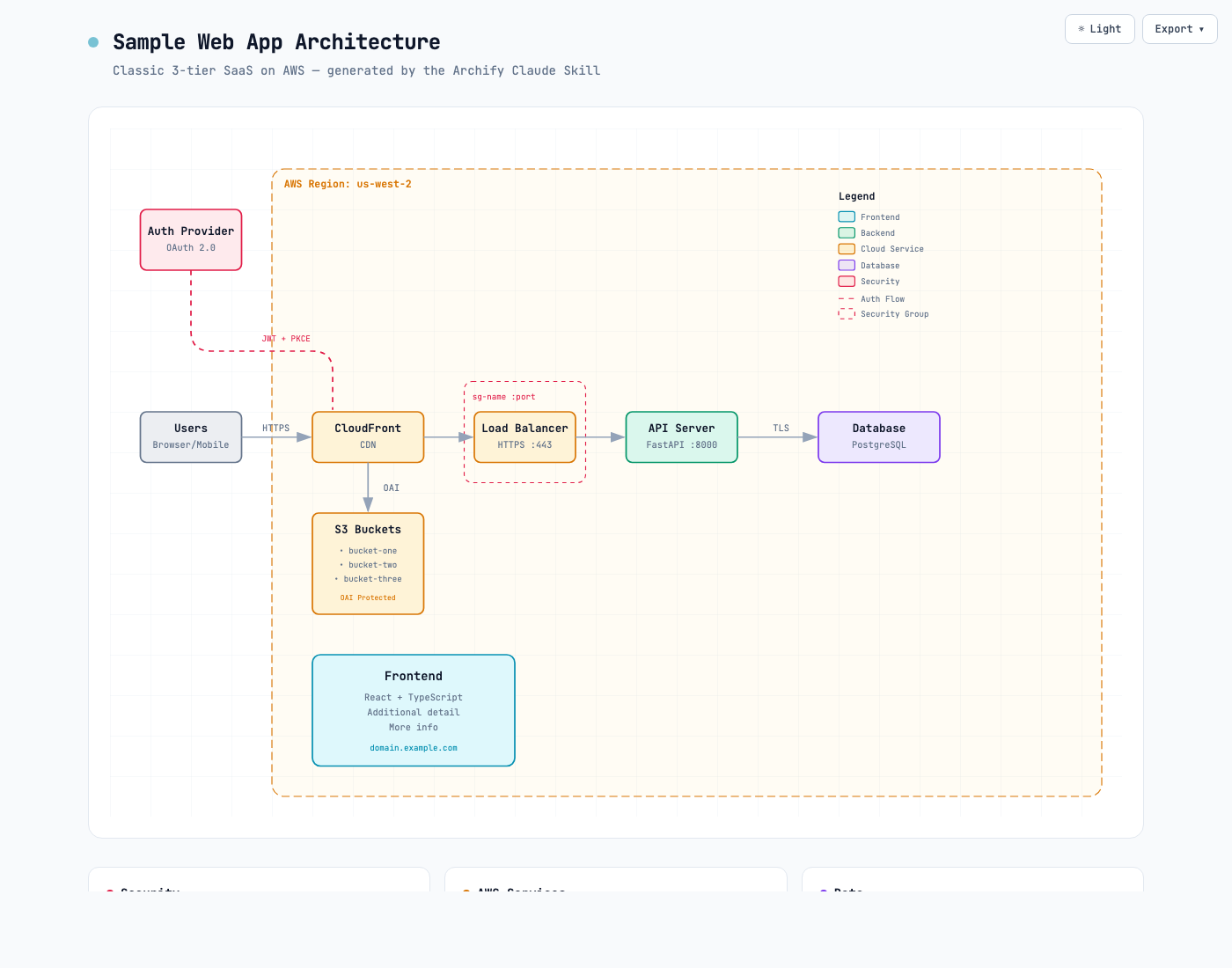
Classic, Signal Flow, and Blueprint share one geometry contract. Every preset includes coordinated dark/light themes and exports cleanly.

3 PRESETS · 2 THEMES

Ultra-crisp 4× export

PNG, JPEG, WebP — all rasterized natively at up to 4× source resolution by the browser. No upsampling blur. Sharp on retina displays, slides, and print.

PNG · JPEG · WEBP

Dual-theme SVG

The SVG export ships with both variable sets plus a @media prefers-color-scheme rule. Drop one file into a GitHub README — it follows the reader's theme.

VECTOR · SELF-THEMED

Copy to clipboard

One button puts a PNG straight on your clipboard. Paste directly into Slack, Notion, GitHub, or Figma — no intermediate save step.

INSTANT SHARE

Self-contained HTML

One HTML file. Zero dependencies, no server, no runtime. Open it in any browser and it works. Share by attaching it to an email or PR comment.

ZERO DEPS

Iterate by chat

"Add Redis", "move auth to the left", "use emerald for the API" — refine in natural language. No diagram editor to learn.

CONVERSATIONAL

Inspect and play real routes

Route Journey keeps the complete authored path visible while you inspect any stop or play one finite, reader-controlled pass over each exact incoming relationship.

INSPECT · PLAY · PAUSE

Anticipate and share the exact story moment

Story Horizon distinguishes the exact next stop, while Semantic Story Carrier shows whether its one authored relationship is a call, data, event, security, or state transition. Pin any beat or share the same stable moment.

FOLLOW · ANTICIPATE · SHARE

Export formats

PNG
Transparent · 4× native
JPEG
Theme bg · 4× native
WEBP
Small · 4× native
SVG
Vector · dual-theme
WEBM
Motion · browser-native
Clipboard
Copy PNG · instant paste

A semantic color language for infrastructure.

Seven component types. Each with coordinated dark and light variants that switch together via the theme toggle.

Frontend
Client apps, browsers, mobile, UI
Backend
Services, APIs, workers, daemons
Database
DBs, caches, stores, AI/ML
Cloud
Managed services, infra
Security
Auth, secrets, guards
Message Bus
Kafka, RabbitMQ, SNS
External
Users, 3rd parties, generic

Up and running
in three steps.

One command for Claude Code, Codex, or opencode. Or try it with a temporary copy.

1

Install in one command

Run npx skills add tt-a1i/archify -g, then select your agent. To try it without a permanent install, use npx skills use tt-a1i/archify@archify --agent codex.

2

Describe your system

Describe components, connections, and cloud services — or ask your agent to analyze the repository first.

3

Ask your agent to draw it

Tell your agent to use Archify. It generates a self-contained HTML file you can open in any browser and refine in chat.

example prompt
# Step 1 — install globally npx skills add tt-a1i/archify -g # Or try with Codex, without a permanent install npx skills use tt-a1i/archify@archify --agent codex # Prompt 1 — map a real repository Analyze this repository, then use archify to map its runtime components, data flow, external dependencies, and trust boundaries. # Prompt 2 — explain a request path Use archify to draw: Browser -> Web App -> API -> JWT -> Redis -> PostgreSQL fallback. Show the cache-miss path clearly. # Prompt 3 — visualize delivery Use archify to draw: PR -> tests -> approval -> build -> staging -> smoke test -> production, with rollback on failure. # Iterate by chat "Add a Kafka message bus" "Move Redis next to the DB" "Use rose for the auth path"

Keyboard shortcuts

Diagram guide?
Toggle themeT
Find node / route endpoint/
Trace, inspect, and play a routeR
Semantic radarM
Compare semantic kindsL
Presentation stageF
Open export menuE
Focus nodeEnter
Guided views[ ]
Play storyP
Reading depth / reset+ − 0
Navigate menu↑ ↓
Close menuEsc